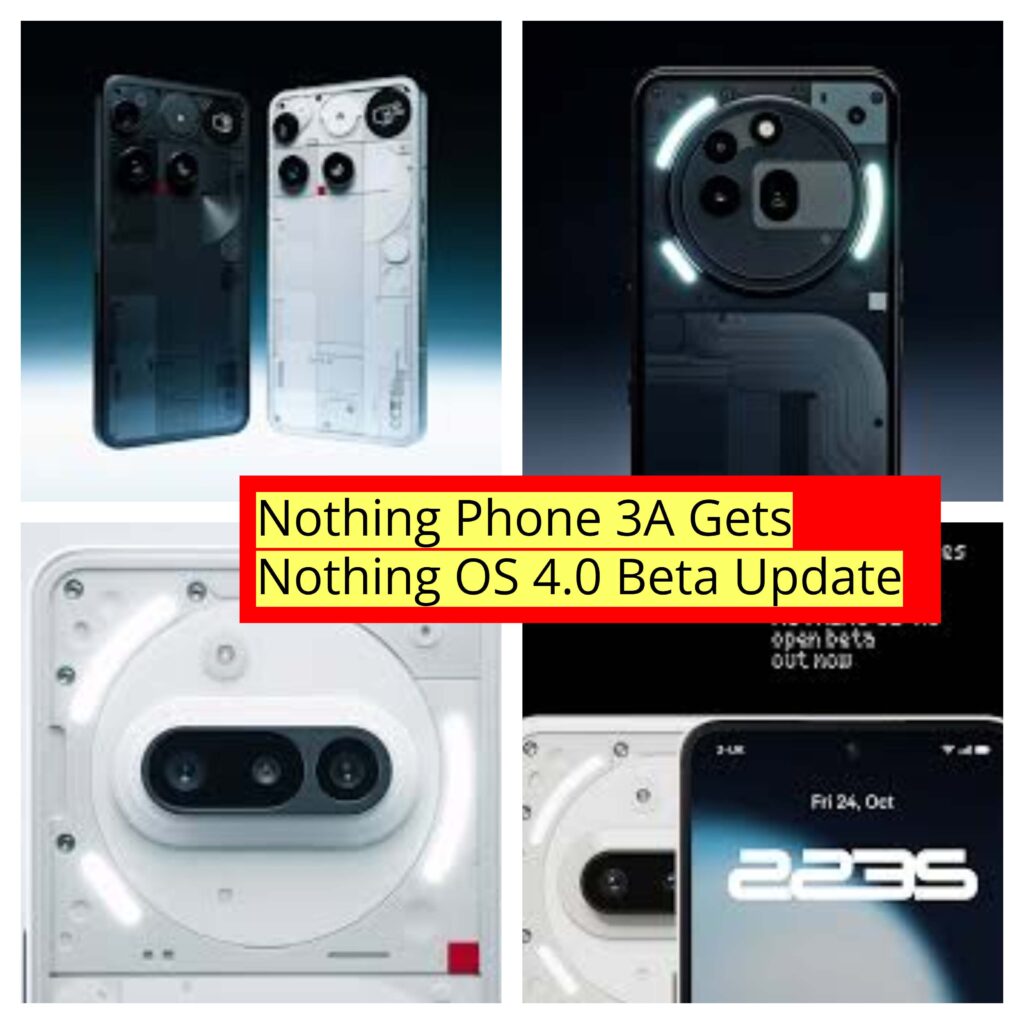
The Nothing Phone 3A has officially received the Nothing OS 4.0 Beta Update, and it’s packed with exciting new features, design improvements, and system optimizations that make the user experience smoother than ever.
In this blog, we’ll walk you through how to install the beta version, explore the major new features, and share our first impressions after using it. Let’s dive in!
How to Install Nothing OS 4.0 Beta on Your Nothing Phone 3A
Before you jump into the new OS experience, here’s a step-by-step guide to safely install the Nothing OS 4.0 Beta on your device:
- Open Chrome Browser on your Nothing Phone 3A.
- Head over to the official Beta Hub website (link available in the video or description section).
- Download the Beta Update Hub APK file from the official Nothing source.
- Once downloaded, install and open the Beta Hub app.
- Navigate to Settings → System → Nothing Beta Hub Program.
- Join the beta program. You may need to try a few times (3–4 attempts) if it fails initially — patience pays off!
- Once successfully connected, you can either go directly to “Go to Update” within the Beta Hub or check for updates in System Settings → System Update.
The update size is around 2.21GB, so make sure you have a stable Wi-Fi connection and at least 50% battery before you start the installation.
Once the installation completes, your phone will reboot into the all-new Nothing OS 4.0 Beta!
What’s New in Nothing OS 4.0 Beta?
The Nothing OS 4.0 update brings a blend of fresh design tweaks, AI integration, and Android 16 support. It feels more polished and closer to a stable version than any previous beta.
Let’s take a closer look at the highlights.
1. Refreshed User Interface (UI)
Right after updating, you’ll notice that the UI feels more refined — much like a stable release. The animations are smoother, transitions are faster, and the layout feels cleaner.
Nothing has introduced a new badge for OS 4.0, and under the hood, you’ll find several design enhancements such as:
- Dual floating icons
- New lock screen clock faces (two new styles)
- Extra dark mode
- Enhanced AI usage dashboard
Everything feels minimal yet futuristic — exactly what Nothing is known for.
2. New Lock Screen & Customisation Options
The lock screen has received a noticeable upgrade. You now get two new clock styles and redesigned widgets that blend better with your wallpapers.
In the Wallpaper & Color Palette section:
- You still get 24 stock wallpapers
- There are now 20 color palettes to match your theme
- No new wallpapers this time, but overall, customization feels deeper and more consistent.
3. Redesigned Control Center
The Control Center is now smarter and better organized. The “Edit” section has been reworked:
- The remove icon is now a red circle with a slash (moved from right to left).
- Icons can be resized — you can make them larger or smaller for better visibility.
- You can easily add or rearrange toggles.
- There’s a quick “Reset to Default” option too.
One subtle but handy addition — you can now share your Wi-Fi directly by tapping the share icon in the Wi-Fi settings. A QR code will appear for quick connection.
4. Enhanced Do Not Disturb (DND) Mode
The DND mode has evolved into a smarter “Focus Mode” system.
Previously, it was a simple on/off toggle. Now, you can customize it for different scenarios:
- Bedtime mode
- Driving mode
- Work or meeting mode
You can choose how and when notifications are silenced — offering a more personalized experience.
5. Pop-Up View Multitasking
This is one of the coolest features in the update!
The new Pop-Up View allows you to open apps in floating windows — similar to Samsung’s multi-window mode.
Here’s what you can do:
- Open any app in Pop-Up View from the task manager.
- Minimize or resize the app window easily.
- Run two apps side-by-side for multitasking.
- Switch between apps seamlessly without lag.
The feature feels fast, responsive, and incredibly useful for productivity enthusiasts.
6. Lock Glimpse Feature
Inspired by phones like OnePlus, Vivo, and Oppo, the new Lock Glimpse feature brings auto-changing wallpapers on your lock screen.
You can:
- Choose from nine wallpaper preferences
- Auto-rotate wallpapers daily or every time you unlock your phone
- Set your favorite wallpaper manually with a single tap
It adds a refreshing visual change every time you pick up your phone.
7. Extra Dark Mode – A Personal Favorite
This one’s for dark theme lovers!
The Extra Dark Mode takes the dark theme to a whole new level by turning the entire display pitch black.
Why it’s great:
- It completely turns off pixels on OLED screens, saving battery.
- Reduces strain on the eyes during nighttime use.
- Makes icons and clocks pop beautifully against the black background.
This was one of the most requested features, and it’s finally here. The UI looks more premium, sleek, and minimal — a major visual improvement.
8. Revamped Camera App & Presets
The Camera App has also received a face lift with six new presets plus one additional preset created in collaboration with professional photographer Jordan.
These presets are designed for different photography moods and lighting conditions — perfect for those who love experimenting with smartphone photography.
The camera icon has been redesigned, and the transitions between modes feel faster and smoother now.
9. AI-Powered Dashboard & Essential Space
Nothing OS 4.0 Beta introduces a new Intelligence Toolkit, which gives you deeper insight into your device usage and AI interactions.
Inside Essential Space, you can:
- See an AI usage dashboard that tracks how often and how effectively you interact with AI tools.
- Access the Nothing Recorder (now with time limits).
- Use the Wallpaper Studio to merge or create custom designs.
- Add Essential News widgets or Podcasts directly to your home screen.
There’s even a ChatGPT widget integration, allowing you to interact with AI directly from the stock Nothing launcher.
This integration is seamless and feels native — a clear step toward making AI a part of your everyday smartphone use.
10. Nothing Playground – A Creative Hub
The biggest highlight of this update is undoubtedly the Nothing Playground.
It’s a new creative platform that lets users build, customize, and share widgets — all powered by AI, without needing to write a single line of code!
Here’s what you can do:
- Create your own custom widgets.
- Download widgets made by others.
- Explore Essential Apps, Camera Presets, EQ Profiles, and even Lift Toys.
- Customize your audio experience or visual layout — all within this interactive environment.
Nothing Playground essentially democratizes creativity — giving every user the power to personalize their phone beyond traditional limits.
Performance, Optimization & Minor Tweaks
After installation, the system runs impressively smooth.
The app optimization process fine-tunes each app according to the phone’s hardware, reducing lag and crashes.
Visual enhancements are noticeable:
- The Recorder app, Gallery, Weather app, and Nothing X app all feature new icons and UI layouts.
- Everything looks cleaner, flatter, and more in tune with the Nothing design language.
However, one small omission remains: haptic feedback for volume controls is still missing. Hopefully, Nothing will add this in the stable release for that extra “premium” feel.
Battery & Optimization
The Extra Dark Mode isn’t just aesthetic — it significantly helps with battery life.
By turning off unused pixels on OLED panels, users can expect around 10–15% better endurance during typical daily use.
Additionally:
- The system consumes less power in idle mode.
- Background app management has improved, making the phone run cooler and longer.
Final Thoughts: A Big Step Toward the Future
The Nothing OS 4.0 Beta for the Nothing Phone 3A is a substantial upgrade — not just a cosmetic refresh.
From AI integration and Nothing Playground, to deep UI customization and performance optimization, this update reflects Nothing’s commitment to creating a truly unique, intelligent, and minimalist smartphone experience.
While it’s still a beta release (so a few minor bugs are expected), it feels surprisingly stable and polished.
If you’re a tech enthusiast or Nothing fan, this update is absolutely worth trying. Just remember — since it’s a beta, always back up your data before installing.