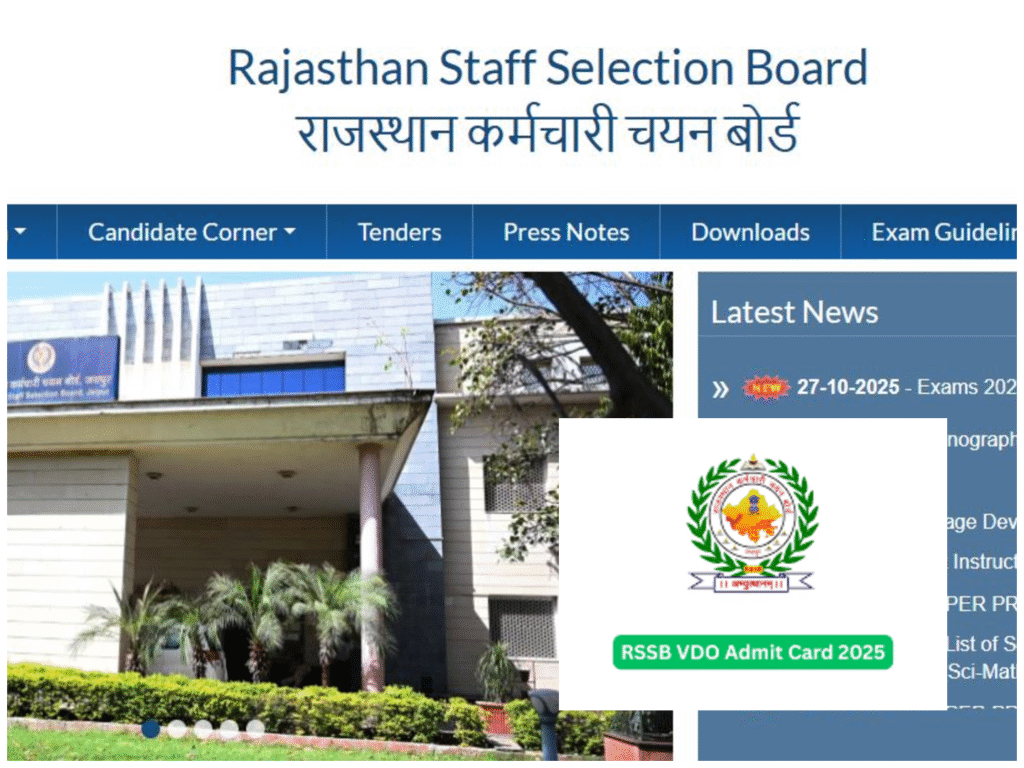
VDO Admit Card 2025 official website, Rsmssb VDO Admit Card, Vdo exam city 2025,RSSB Admit Card,Vdo admit card exam city, Vdo admit card kab aayega, Sarkari Result VDO Admit Card
If you’re preparing for the Village Development Officer (VDO) exam in Rajasthan, this blog is your complete guide to downloading your admit card and checking your exam center location. The official admit cards will be released on October 30, 2025, and the exam is scheduled for November 2, 2025.
Step-by-Step Guide to Download Rajasthan VDO Admit Card
Login to Your SSO ID
To begin the process:
- Visit the SSO Rajasthan portal.
- Enter your username, password, and captcha code.
- Click Login to access your dashboard.
Once logged in, you’ll see various options including the Recruitment Portal.
Access the Recruitment Portal
- On your dashboard, locate and click on Recruitment Portal.
- You’ll find two options: Stuck 2 and Portal. Choose Portal.
- This section displays your personal details like name, mobile number, date of birth, and your exam history.
Retrieve Your Application Number
- Click on the three horizontal lines (menu icon).
- Select My Recruitment > My Applications.
- Find the form for Village Development Officer, likely filled on July 25, 2025.
- Click View Application.
- Your Application Number will be listed just below the One-Time Registration (OTR) section.
- Copy this number for later use.
Check Admit Card Availability
- Go back to My Recruitment and click on Get Admit Card.
- You’ll see a list of available admit cards (e.g., CET, Patwari, Grade IV).
- If the VDO admit card isn’t listed yet, don’t worry—it will be available on October 30, 2025, as per official notification.
Step 5: Visit the Official RSSB Website
- Go to rssb.rajasthan.gov.in.
- Click on Get Admit Card For.
- Select Pre Exam.
- Enter your Application Number, Date of Birth, and Captcha Code.
If the admit card isn’t available yet, you might see a message like “No Record Found”. This is normal before the release date.
Step 6: Check Your Exam Center Location
Even if the admit card isn’t released, you can still check your exam city:
- On the RSSB website, look for Click Here to Know Your Exam District Location – Village Development Officer.
- Enter your Application Number, Date of Birth, and Captcha.
- Your Exam City, Date, and Shift will be displayed.
For example:
- Exam City: Dausa
- Date: November 2, 2025
- Shift: Morning
Important Dates to Remember
| Event | Date |
| Application Deadline | July 25, 2025 |
| City Intimation Slip Released | October 28, 2025 |
| Admit Card Release Date | October 30, 2025 |
| Exam Date | November 2, 2025 |
Troubleshooting Tips
- No Record Found? Double-check your application number and date of birth.
- Website not loading? Try accessing during non-peak hours or switch browsers.
- Forgot SSO ID credentials? Use the “Forgot Password” option or contact support.
Final Advice for Candidates
- Download your admit card as soon as it’s available on October 30.
- Print multiple copies for safety.
- Verify all details: name, photo, exam center, shift, and reporting time.
- Reach your exam center early on November 2 to avoid last-minute stress.
If you’re looking for updates,
- “Rajasthan VDO Admit Card 2025 Download”
- “RSSB Village Development Officer Exam Date”
- “Check VDO Exam Center Location Rajasthan”
- “SSO ID Login for VDO Admit Card”
Conclusion
The Rajasthan VDO exam is a golden opportunity for aspirants aiming to serve in rural development. With 850 vacancies available, preparation and timely action are key. Follow the steps above to ensure you’re ready for exam day.
Stay tuned to the official RSSB website for updates and best of luck for your exam!